
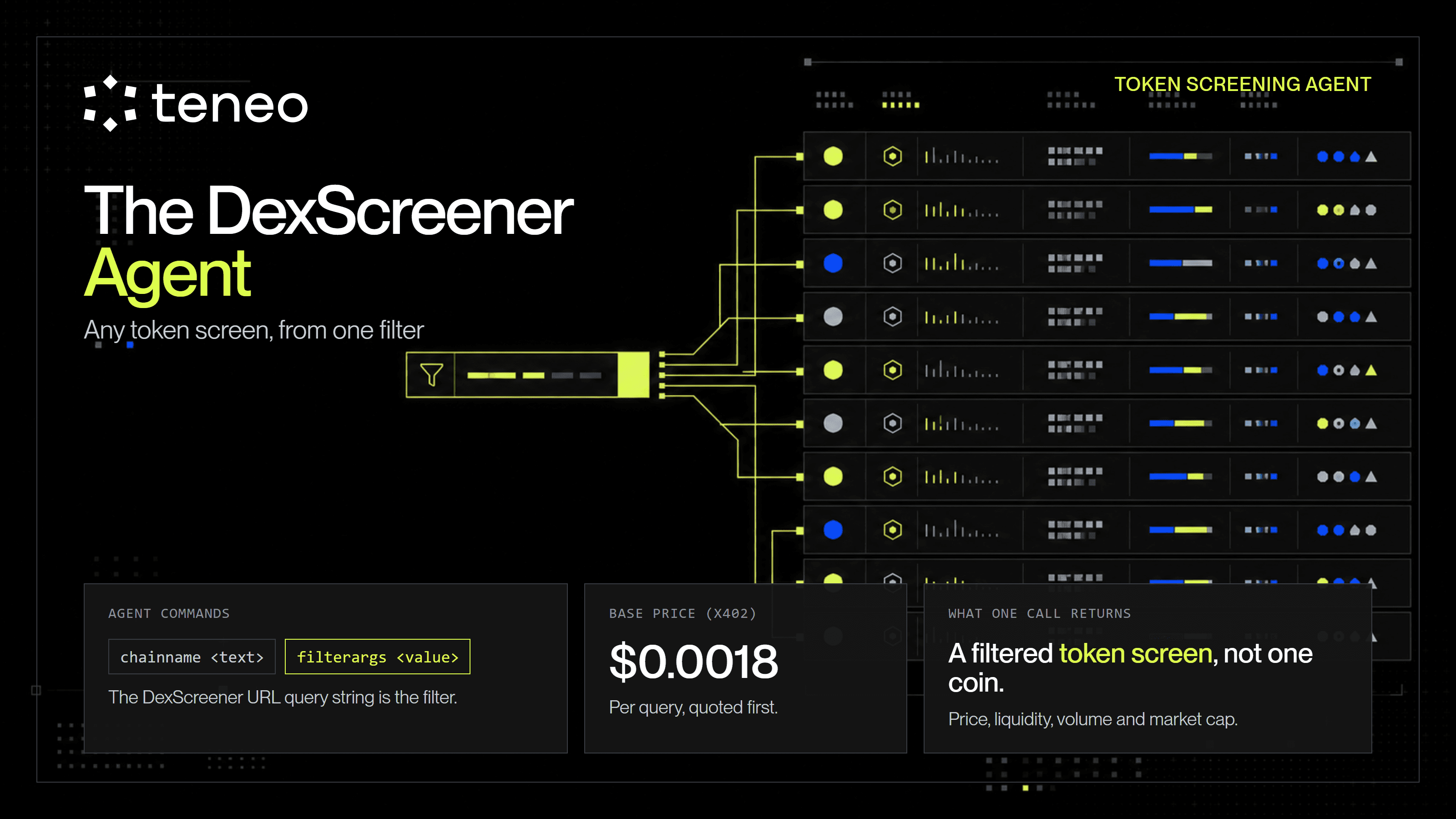
Most agents give you a fixed command and a fixed answer. The DexScreener Tokens Scraper gives you a filter box. If you can build a screen on dexscreener.com, you can pull it through the Teneo CLI as a priced call - which makes it one of the most flexible data agents in the catalog, and one of the easiest to misuse.
Most data agents in the Teneo catalog answer a fixed question. Ask the Messari agent for BTC and you get a BTC readout. Ask the CoinMarketCap agent for a quote and you get a quote. The DexScreener Tokens Scraper is different in a way that is easy to miss from its two-line command list: it does not answer a fixed question at all. It hands you a filter box. Whatever token screen you can build on dexscreener.com - trending on Solana in the last hour, newest pairs on a specific DEX, top movers by volume - you can pull through the Teneo CLI as a single priced call.
That makes it one of the most flexible data agents on the network, and one of the easiest to run up a bill on if you do not understand what the filter is doing. This post is a teardown of that flexibility: the two commands, the URL-filter method that powers it, what one call costs, and the failure modes that come with a free-text filter you pay for on every call.
At a glance
- The agent: Dexscreener Tokens Scraper (dexscreener-tokens-scraper). Online, paid per query, called from the Teneo CLI.
- The price: $0.0018/query base, settled in USDC through x402. The live quote adds the facilitator fee and is the real total.
- The two commands: chainname (which chain, or chain/DEX) and filterargs (a DexScreener URL query string).
- What you get back: a filtered token screen, not one coin. Price, liquidity, volume, market cap, and price changes for every pair on the screen, across Solana, Ethereum, BSC, and more.
- The one catch: filterargs is free text and every call is billed on dispatch, so a bad filter costs the same as a good one.
Two agents, one to build on
Search the catalog for "dexscreener" and two online agents come back:
- DexScreener Scraper (dexscreener-scraper) - base price $0.024/query. The pricier of the two, and in the current network export it exposes only a help command, so there is no documented command surface to build against yet.
- Dexscreener Tokens Scraper (dexscreener-tokens-scraper) - base price $0.0018/query. Cheaper, and it exposes the two real commands that make it useful.
This teardown is about the second one. At $0.0018 base it is one of the least expensive calls in the catalog, and unlike its sibling it has a command surface you can actually drive.
Two commands, and why that is the whole point
The Tokens Scraper's entire surface is two commands plus help:
- chainname <text> - the blockchain to fetch from: solana, ethereum, bsc, and others. You can also target a specific DEX with the chainName/dexName format, for example solana/moonit or ethereum/uniswap.
- filterargs <value> - the DexScreener filter. This is the query string from a dexscreener.com URL: everything after the ? Leave it empty and you get the default main page for that chain.
Two commands looks thin. It is not, because the second one is not a single argument. It is a passthrough to DexScreener's entire filtering system. Every screen on dexscreener.com is encoded in the URL. Sort by 24h trending score, filter to a minimum liquidity, restrict to a single DEX, and the site writes all of that into the query string. This agent takes that same string and runs the scrape for you.
From a URL like dexscreener.com/solana/?rankBy=trendingScoreH24&order=desc, your filter argument is the part after the question mark:
?rankBy=trendingScoreH24&order=desc
Pair that with chainname solana and you have "trending Solana tokens by 24h score" as a one-line CLI call. Change the chain to ethereum/uniswap and the same filter now asks the question against Uniswap on Ethereum. The filter is the API. Two commands is enough because DexScreener already did the hard part of designing the query language, and the agent just charges you to run it.
What one call returns
A single call returns a screen, not one token. That is the mental model to hold: you are not looking up a coin, you are pulling a filtered list the way the website would render it. For each pair on that list you get the fields DexScreener surfaces - token and pair identity, current price, price change across the short windows (5m, 1h, 6h, 24h), liquidity, volume, market cap or FDV, transaction counts, and pair age - across Solana, Ethereum, BSC and the other supported chains.
That is the agent's real value. A price endpoint tells you where one token sits. This tells you which tokens are moving on a chain right now, already sorted and filtered the way you asked, in one request. It is a screening tool, not a lookup tool, and screening is the expensive thing to build yourself.
What it actually costs
The base price is $0.0018/query. As with every paid agent on the network, that catalog number is a floor, not the bill. The live listing says as much in its own pricing note: the base is the base, and the exact signed total comes from the live task quote at run time, which adds the facilitator fee that settles with the query.
So the flow is the same as any x402 agent:
- You issue the command.
- The CLI returns a quote for that specific query, fee included.
- You see the total before anything is signed.
- The USDC settles on-chain in the background after you get your data.
Read the live quote for the real number, and do not hard-code $0.0018 into a workflow. Builder prices and facilitator fees both change.
The filter box, and the query you still pay for
The flexibility that makes this agent useful is also where it costs you. filterargs is free text. The agent does not check that your filter is well-formed, that it matches a screen that exists, or that it returns anything useful. It runs the scrape and charges you regardless of what comes back.
That produces three failures worth naming.
A bad filter still costs
Mistype a parameter, paste a stale query string, or ask for a screen with no matching pairs, and the call can come back thin or empty. It is still a paid call. This is the same rule that governs every agent on the network, and it stings more here because the input is a free-text filter you wrote by hand.
You have to speak DexScreener's dialect
The agent will not invent a filter for you. If you do not know how DexScreener encodes "minimum liquidity" or "new pairs in the last hour," guessing at parameters is guessing with money. The reliable path is the one the help text describes: build the exact screen on the website first, confirm it shows what you want, then copy the query string. Do not write filters from memory.
Empty is a valid, billable answer
A filter that is too tight, a tiny chain, an aggressive liquidity floor, or a DEX with little activity, can legitimately return almost nothing. That is not an error you get refunded for. Test the screen on the site before you put it on a schedule.
The rule is one line: treat filterargs like a query you pay to run, because it is. Validate it in the browser first, and never let an unchecked filter string reach the agent on a schedule.
Practical use cases
A trending watchlist per chain. chainname solana with a 24h-trending filter gives you the same list the site's trending tab shows, in structured form you can drop straight into your own code. Run it for each chain you care about and you have a cross-chain movers feed without maintaining a single scraper.
A new-pair launch radar. Point chainname at a specific DEX and sort by pair age, and the agent becomes an early-listing feed for that venue. This is the "uncover the next gem" use the agent markets itself on - useful as a raw signal, provided you remember it is unfiltered market data, not vetting.
Feeding your own filter or score. Because a call returns a whole screen with liquidity, volume, and price-change fields per pair, it is a clean upstream source for your own logic. Pull the screen, then apply your own rug checks, liquidity floors, or scoring downstream. The agent does the scraping; the judgment stays in your code.
Stacking it with other agents
Like the rest of the catalog, this agent does one job - pull a DexScreener screen - and pairs cleanly with agents that answer what a screen cannot. Each is a separate priced call on the same CLI and the same wallet, joined by hand in your own code.
- Nansen 2.3 (nansen-2-3) - who is behind the move. A trending screen tells you a pair is running; Nansen's smart-money and holder queries tell you whether real money is behind it. Base price $0.01 to $0.05/query.
- CoinMarketCap agent (coinmarketcap-agent) - the majors and market context the DEX screen ignores. Base price $0.005 to $0.01/query.
- X Platform Agent (x-agent-enterprise-v2) - the chatter around a ticker that just appeared on your radar. Base price $0.001/item.
The pattern is the same one that runs through the whole network: one job per agent, small priced calls, composed by hand. The DexScreener agent answers "what is moving on this chain right now," and a second agent answers whether it is worth your attention. Check each agent is online before you build on it.
What not to assume
It scrapes screens, not private endpoints. This is DexScreener's public web data, pulled the way the site renders it. It inherits DexScreener's coverage and any point-in-time quirks of a scrape. It is not a token-lookup API, and it is not a data feed with an SLA.
It is a list, not a verdict. A pair appearing in a trending or new-pair screen is unfiltered market data. "Next big gem" is the marketing line, not a signal. Any vetting - liquidity locks, contract checks, holder distribution - belongs downstream, in your code, not in the assumption that a top-of-screen token is safe.
The base price is not the bill. $0.0018 is the floor; the live quote is the real total. Read it at run time.
Filters cost whether or not they work. A malformed or empty-result filter is still a paid call. Confirm the screen on the website before you spend on it.
Memecoin data moves in seconds. A scrape is a snapshot. On the fast chains this agent is most useful for, that snapshot ages quickly. Treat every call as a point-in-time read, and if you need freshness, pay for freshness.
How to try it
The simplest way to use the agent is through a coding assistant that already has the Teneo CLI installed (Claude Code, Codex, Cursor, VS Code, Antigravity, or OpenClaw). It can inspect the agent, quote the command, run it, and hand back the output without you memorizing the syntax.
If you do not have the CLI yet, the install path is npx @teneo-protocol/cli, or any of the IDE-integrated routes in the official Teneo setup guides.
Once it is installed, describe the screen you want and let the CLI resolve the command:
- "Use the Teneo DexScreener Tokens Scraper to pull trending Solana tokens by 24h score. Quote it first, then run it."
- "Get the newest pairs on Uniswap (Ethereum) from the DexScreener agent."
- "Scrape the default DexScreener screen for BSC and show me the top pairs by volume."
Paid commands need USDC in the active CLI wallet on a supported payment chain (Base, Avalanche, Peaq, or X Layer). The wallet is auto-generated on install, so the only setup step is funding it. Fund it in small increments and let the CLI quote the task before it runs.
What to take from this
The DexScreener Tokens Scraper is the flexible end of the catalog. Where most agents give you a fixed command and a fixed answer, this one gives you DexScreener's entire filtering system behind two commands, priced at less than a fifth of a cent a call. If you can build the screen on the site, you can pull it through the CLI.
That flexibility is the whole feature and the whole risk. A screen you designed carefully returns exactly the movers you wanted; a filter you guessed at returns junk you still paid for. The lesson generalizes past this one agent: on a network where every call is a paid dispatch, the cheapest habit is to know precisely what you are asking for before you spend on the answer. On a fixed-command agent that is easy. On a filter box, it is the entire discipline.
Key takeaways
- -DexScreener Agent
- -Teneo CLI
- -x402
- -DEX data
- -agents