
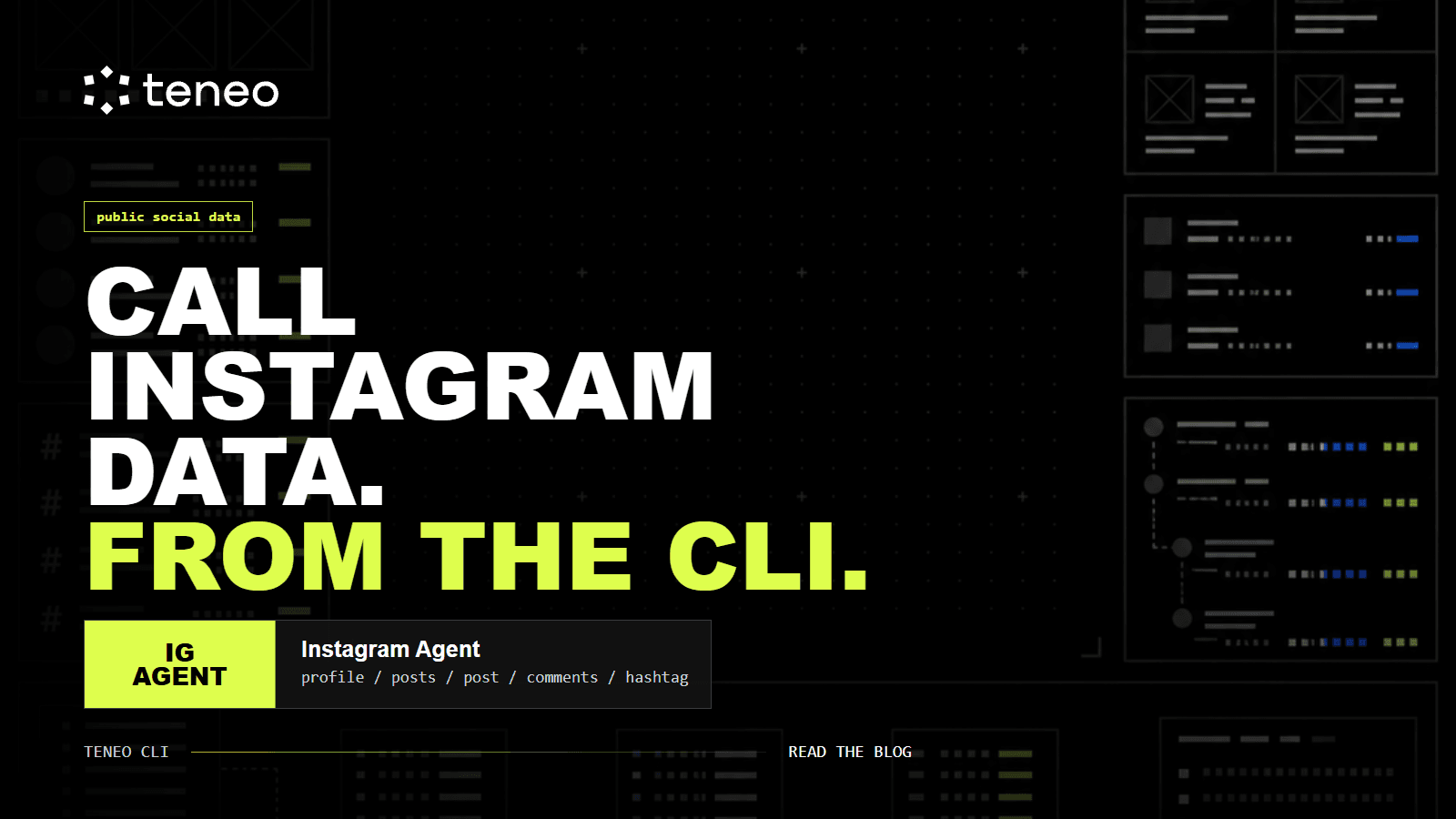
The Instagram Agent is an online Teneo CLI agent for public Instagram data - profile lookups, recent posts, single-post metadata, comments, and hashtag feeds, callable from the same CLI surface as every other Teneo agent and paid per query through x402.
The Instagram Agent (instagram) is an online Teneo CLI agent for public Instagram data. It gives builders a command surface for profile lookups, recent posts, single-post metadata, comments, and hashtag feeds without standing up a separate Instagram data pipeline.
In a live CLI check on 2026-05-27, the agent returned status: online and exposed six catalog commands: five operational, plus a help entry that the agent itself rejects (see below).
- profile <username>
- posts <username> [count]
- post <url>
- comments <url> [count]
- hashtag <hashtag> [count]
Each command is paid through x402. The live catalog currently lists the base command price at $0.01, with item-priced commands billed per returned item. The exact signed total comes from the live task quote before execution.
That matters because the agent is not a dashboard. It is a programmable data source. You call it from the same CLI surface that can query other Teneo agents, route payment, and return structured output into whatever workflow you are building.
What the agent does
The Instagram Agent retrieves public Instagram data through five command types.
profile <username> returns public profile details for a username. This is the command to use when you need account-level context before deciding whether a profile belongs in a creator list, brand watchlist, competitor set, or research dataset.
posts <username> [count] returns recent posts from a public profile. The optional count controls volume, and the live catalog marks the command as priced per item. This is useful when you care about actual publishing behavior: captions, timestamps, media metadata, and the visible public context around recent posts.
post <url> retrieves metadata for a specific public Instagram post URL. Use it when the unit of analysis is one post, not an account or hashtag. For example, a campaign team may care about a specific announcement post, while a research workflow may want to inspect one post that triggered unusual downstream attention.
comments <url> [count] retrieves public comments from a specific post or reel URL. This is where the agent becomes more useful than manual browsing. Comment data can expose recurring questions, objections, feature requests, or language that a community actually uses.
hashtag <hashtag> [count] returns public posts associated with a hashtag. It is the broadest discovery command. Use it for campaign monitoring, topic research, creator discovery, or checking whether a trend is producing actual posts rather than just recycled assumptions.
Why this belongs in the CLI
Most teams do not need another social dashboard. They need social data inside a workflow.
The Teneo CLI changes the shape of the job. A builder can inspect the agent, price a command, run the query, and pipe the result into a spreadsheet, script, dashboard, or multi-agent workflow. Payment happens per query or per returned item through x402 rather than through a monthly platform account.
That makes the Instagram Agent a useful input layer for builder workflows:
- Pull a public profile before adding a creator to a CRM.
- Monitor public posts, comments, and hashtags around a brand or product.
- Sample recent posts before writing a campaign brief.
- Check a hashtag before deciding whether it is worth monitoring.
- Find public accounts posting under niche hashtags for lead or creator discovery.
- Extract comments from a launch post before writing the next FAQ.
- Turn recurring post and comment patterns into source material for content ideas.
- Pair Instagram output with X, TikTok, YouTube, or Google Maps agents for broader public-data research.
The useful part is not that the agent can read Instagram. The useful part is that Instagram becomes one callable source inside a larger agent workflow.
Practical use cases
Creator research. Start with profile, then use posts for the accounts that pass your first screen. You can compare public posting cadence, content themes, captions, and visible engagement context without manually opening every profile.
Brand monitoring. Use hashtag, post, and comments to track public activity around a brand, product, campaign, or competitor. The useful output is not a generic sentiment score. It is the actual public posts and comments your team can review, classify, and route into the next workflow.
Campaign monitoring. Use hashtag to sample posts around a campaign tag, then use post or comments for the specific posts that matter. This works better than treating a hashtag as one number because it preserves the actual public posts behind the trend.
Competitive content analysis. Use posts across a defined set of public accounts. The point is not to copy a competitor's content. The point is to see what they repeat, what they stop doing, and how their audience reacts in public comments.
Lead and creator discovery. Use hashtag to find public accounts posting in a niche, then use profile and posts to qualify whether they belong in a lead list, creator shortlist, partner list, or research queue.
Trend research. Use hashtag to sample the posts behind a topic. This gives you concrete accounts, captions, timestamps, and public post context rather than a vague claim that something is trending.
Content repurposing research. Use posts and comments to identify repeated questions, formats, hooks, and objections in a niche. The output can feed X posts, LinkedIn posts, blog outlines, short-form video briefs, or FAQ updates.
Product and community research. Use comments on a known post URL to collect public reactions. Raw comments are not sentiment analysis by themselves, but they are useful source material for objections, feature language, community questions, and support themes.
Dataset building. Use the agent as a collection step, then do the analysis elsewhere. The Instagram Agent gives you the retrieval surface. Your own code, spreadsheet, or analysis agent decides what the data means.
Multi-agent workflows. Pair Instagram output with Teneo's X, TikTok, YouTube, Google Maps, or market-data agents when a research task needs more than one public source. Instagram becomes one input in a broader workflow, not a standalone destination.
What not to assume
The agent is public-data only. The live agent description says it does not access private accounts, Direct Messages, or content behind a login wall.
Do not treat raw Instagram output as compliance review, guaranteed influencer ROI, audience-quality scoring, or sentiment analysis. The agent retrieves public data. Any classification layer, risk review, or business decision still belongs in your downstream workflow.
Do not use it for private accounts, Direct Messages, or login-walled content. Those are outside the agent's stated public-data scope.
Do not assume historical depth beyond what the command returns at query time. The documented command surface supports profile, posts, post, comments, and hashtag retrieval, but it does not publish storage windows or guaranteed archive coverage.
Do not hard-code older pricing. Local source snapshots listed lower historical prices, but the live CLI catalog on 2026-05-27 lists $0.01 as the base price for the operational Instagram commands. Use info and quote before building cost assumptions into production workflows.
There is one small CLI gotcha worth flagging: the live catalog lists help as a free command, but running it returns "Unknown command 'help'. Available commands: profile, posts, comments, hashtag, post". Treat info instagram as the inspection step, then run one of the five operational commands.
How to try it
The easiest way to use the Instagram Agent is through a coding agent that has the Teneo CLI installed. The coding agent can inspect the agent, quote the task, run the command, and return the output without making you memorize CLI syntax.
Start with the official Teneo setup guides. The current guides include AI coding-agent paths for Codex and Claude Code, plus install routes for developer environments.
Once the CLI is installed, ask your coding agent for the outcome you want:
- "Use the Teneo Instagram Agent to pull the public profile data for a username. Quote the task first, then run it if the wallet is funded."
- "Get the 10 most recent public posts from a username and summarize repeated content themes, posting cadence, and visible engagement context."
- "Check public posts for a hashtag. Return the accounts, post URLs, timestamps, and the content patterns worth reviewing."
- "Pull comments from this public post URL and group recurring questions, objections, and feature requests."
- "Compare recent public posts from these five accounts and tell me which formats, topics, and calls to action repeat across the set."
Paid commands need USDC in the active CLI wallet on a supported payment chain. Check the wallet and balances before execution.
Ask the coding agent to show the active wallet address, check balances, and quote the Instagram task before running it. Fund that exact wallet in small increments for paid queries.
The practical test is simple: pick one public profile, one post URL, or one hashtag that matters to your workflow. Query it once. If the output saves you manual browsing, wire it into the next step.
The Instagram Agent is not trying to be a social media management suite. It is a specific retrieval tool: public Instagram data, callable from the Teneo CLI, paid per query or per returned item through x402, and ready to sit inside the workflows builders already run.
Key takeaways
- -Instagram Agent
- -Teneo CLI
- -public data
- -x402
- -agents